
How do I use jsp:useBean action in JSP pages?
In this example you will learn how to use the <jsp:useBean>. We can use the useBean action to create a scripting variables. To define the variable name we use the id attribute of this action. The class attribute define the type of this variable. We can also define the scope of the variable using the […]
Article by Wayan · Source: Kode Java ↗
In this example you will learn how to use the <jsp:useBean>. We can use the useBean action to create a scripting variables. To define the variable name we use the id attribute of this action. The class attribute define the type of this variable. We can also define the scope of the variable using the scope attribute.
As an example in the code snippet below we create a variable name now and declare it to hold a java.util.Date instance. And then we use a JSP expression to print out the value.
<%@ page contentType="text/html;charset=UTF-8" %>
<!DOCTYPE html>
<html lang="en">
<head>
    <title>JSP - useBean Demo</title>
</head>
<body>

<jsp:useBean id="now" class="java.util.Date"/>

Now is: <%= now %>

</body>
</html>
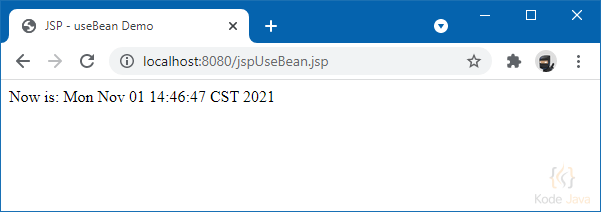
jsp:useBean Demo
Comments 0
Share your questions, experiences, or feedback about this article.
Sign in with Google to leave a comment.
Sign in with Google
No comments yet. Be the first to share your feedback.